


Author: Dante Romita
Contact: dante.romita@ryerson.ca
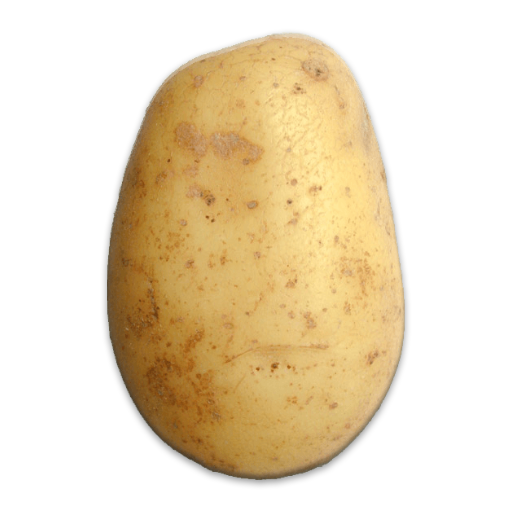
Create Your Mr. Potato Head by dragging the elements around in the areas below. Then, click Take Screenshot and scroll down to view your screenshots. You will also be prompted to download your image as a png file. You can use an Online Image Converter to convert to a desired file type.
Once you click Take Screenshot, an image will appear here. You can then save the image by right-clicking. NOTE: The most recent screenshot will always appear at the bottom of the page!